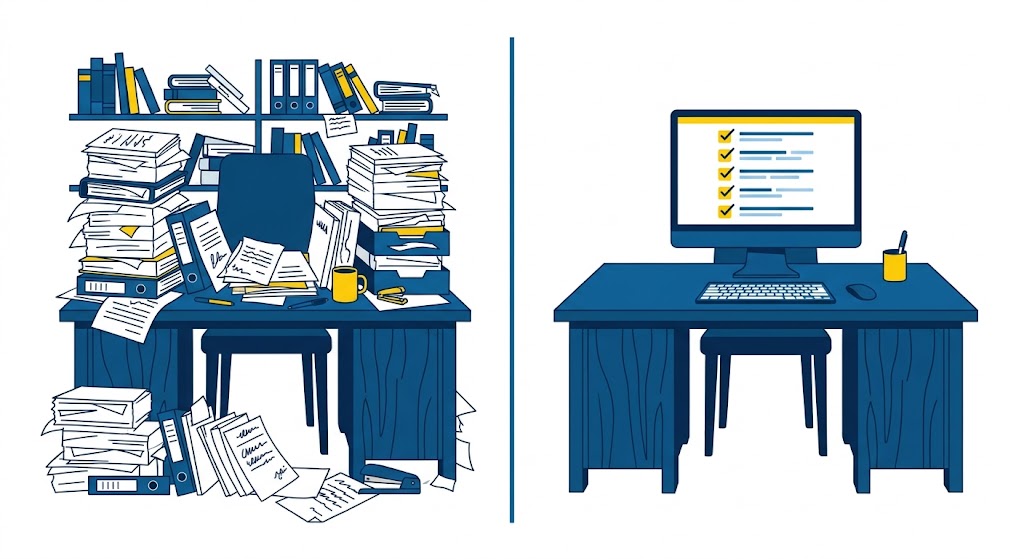
For some organizations, an audit warning sets off two weeks of archaeology comprised of chasing sign-off sheets, exporting spreadsheets from three different systems, reconstructing who completed what and when from the memories of people who are now on vacation. For others, it’s an export and a coffee. And the difference between those two outcomes isn’t diligence: it’s architecture.
Audit-ready compliance training isn’t a binder you assemble before an inspection. It’s a system state: a byproduct of training that actually happened, tracked automatically, timestamped as it occurred. Here’s what that looks like in practice, and how close you can get to it without adding headcount.
What does “audit-ready” actually mean?
An auditor, an inspector, or a client’s procurement team is usually trying to answer four questions about any required training:
- Who was required to take it, and how does the system know?
- Did they complete it, and can you prove the right person did the work?
- When did they complete it, before the deadline or after the requirement changed?
- Are the records current, or did someone’s requirement lapse and nobody noticed?
If you can answer those four in minutes, from one system, with no manual reconstruction, you’re audit-ready. If answering them means cross-referencing spreadsheets, emailing supervisors, and hoping the 2024 paper files are still in the cabinet, you’re not, no matter how much training actually happened.
That distinction matters, because most regulated organizations do plenty of compliance training. What they’re missing is the evidence chain: the automated, tamper-resistant link between requirement, assignment, completion, and assessment.
Why does audit prep keep turning into a fire drill?
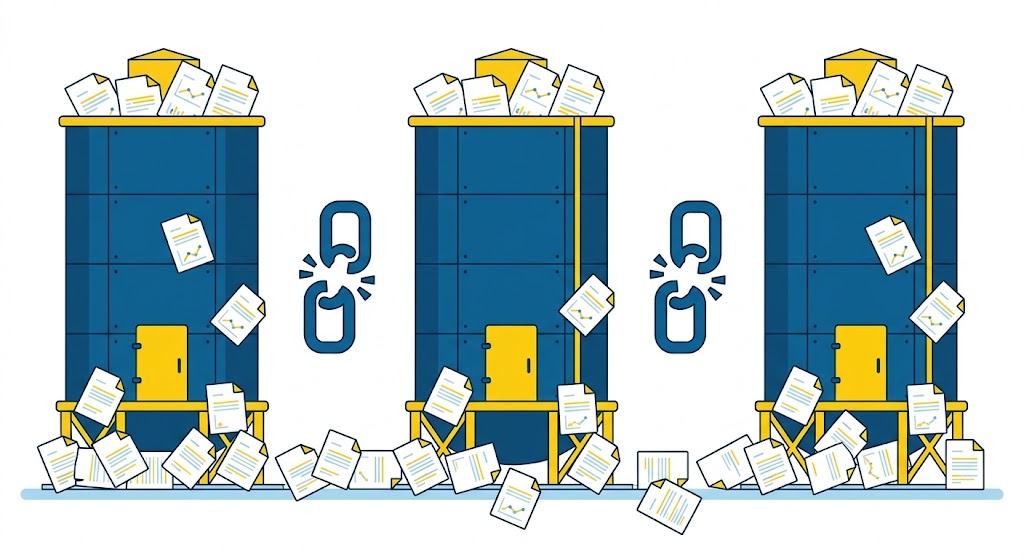
Because the records live in too many places, and none of them talk to each other. Sign-in sheets from live sessions sit in one system. E-learning completions sit in another. Certificates from external providers live in someone’s inbox. Renewal dates live in a calendar reminder that one specific person remembers to check, until they’re on vacation during audit week.
Under those conditions, every audit is a reconstruction project, and every reconstruction has gaps: the person who left the company, the overwritten spreadsheet, the verbal sign-off nobody documented. And regulated environments change quietly: a procedure gets updated, a form revision rolls out, a role’s requirements shift. Unless the training assignment updates with them, people keep completing the old version. The record shows activity, but not currency.
This is the compliance flavor of a problem we dug into earlier, where work changes faster than training tracks it, and undocumented adaptations fill the gap. In a regulated process, an untracked workaround is exposure with your organization’s name on it. The full breakdown is in we go into more detail here, but the short version is simple: unrecorded knowledge is unprovable knowledge.
What does an audit-ready compliance workflow look like?
The goal isn’t more documentation. It’s fewer places where documentation depends on human memory. Four mechanics do most of the heavy lifting.
1. Requirements assigned by role, automatically. In an LMS like Axis LMS, compliance courses tie to roles, locations, or job functions through enrollment rules instead of manual assignment. Someone moves into a role, and the requirement appears on their plate without anyone remembering to add it. A requirement changes, and you update the rule once instead of chasing every affected person. That structurally answers the auditor’s first question: the system itself demonstrates who was supposed to take what, and why.
2. Completions timestamped and verified where they happen. Completion records should capture who, what, when, and, where it matters, the assessment result, generated automatically as the person learns. If certain requirements need identity verification or proctoring, that lives in the same record. What you want to avoid is a completion in one system and a score in another, because reconciling those is where audit prep goes to die.
3. Expirations tracked before they happen. Certifications and recurring requirements, annual refreshers and license renewals, need expiration dates attached, with alerts firing ahead of the deadline instead of after. Axis LMS automates renewal reminders and expiration alerts, so the person six weeks from a lapse gets pinged while there’s still time to fix it, and the report of who’s currently out of compliance stays at or near zero. This is where automation earns its keep: nobody sustains a manual renewal spreadsheet across hundreds of people for years without gaps eventually forming.
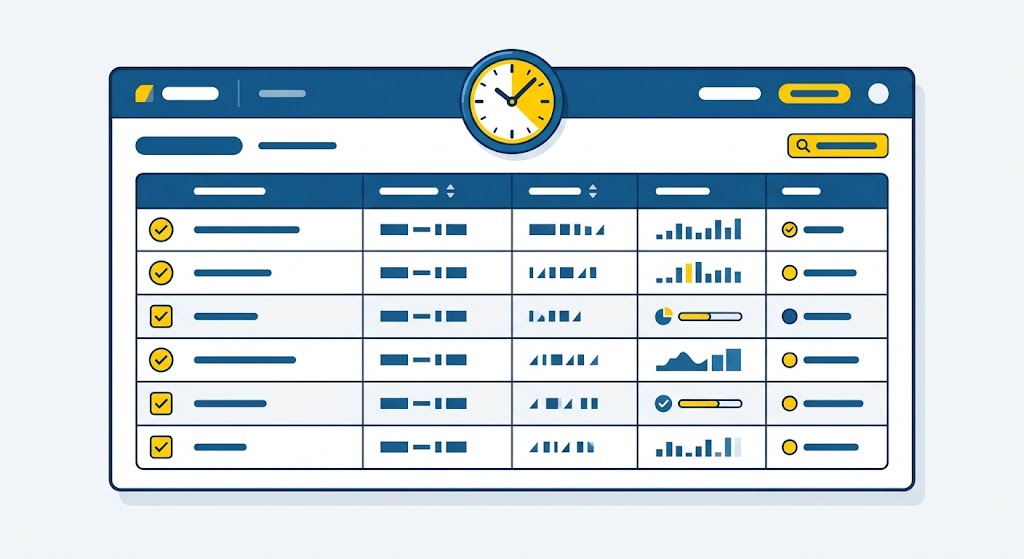
4. Reporting that answers the audit question, not a generic one. The report an auditor wants isn’t “course completions this quarter.” It’s “show me every person required to complete X, their status, completion date, and score, plus any open exceptions.” If producing that takes filtering and stitching, every audit costs days. If it’s a saved report you run on demand, it costs minutes. (For a closer look at what these records should contain, see CE credit reporting: what auditor-ready LMS records show.)
How do you get from where you are to audit-ready?
Retrofitting audit readiness onto a fragmented setup is a project, and like most projects it competes with urgent work and often loses. The realistic path is incremental:
Consolidate the record first. Before anything else, get completions, scores, and certificates into one system, even if the training itself stays distributed. Mixed delivery is fine. Mixed records are what create the archaeology.
Convert recurring requirements to rules. Every annual refresher or renewal you tie to a role rule and an expiration date is one less thing a human has to remember. Start with the requirements that carry real regulatory weight, not the whole catalog at once.
Run a mock query, not a mock audit. Pick the three records an auditor would most plausibly request and see how fast you can produce them, complete and current. Wherever that exercise stalls, that’s your next gap, and it’s far better found on a quiet afternoon than during an inspection. For the regulatory backdrop shaping those requirements this year, see compliance training requirements in 2026.
One more consideration that never shows up on a feature checklist: compliance records are long-lived. Whatever system holds them needs to still exist, and still be supported, for as long as your retention requirements do, which in regulated industries can outlast a lot of software products. Atrixware has been building e-learning software for 30 years, and Axis LMS records have carried forward through the product’s life (and longer). For a requirement measured in years and decades, that kind of continuity isn’t a nice-to-have. It’s part of the audit answer.
