Branding & Design
The following items are available in the Branding & Design panel:
Window Size — The height and width of the popup window that is opened when the user launches the presentation.
Extra CSS — Allows you to specify additional CSS definitions to change certain aspects of the Skin/Layout used by a learning object. Each placeholder below this section represents a CSS class used by the layout. To see a tooltip denoting what each placeholder represents, hover your mouse over the placeholder.
Skin/Layout — lets you assign a visual theme to the learning object (pick from the various available skins). You can create your own skins using the Change Skin > Create a Skin function inside the SlidePoint Editor.
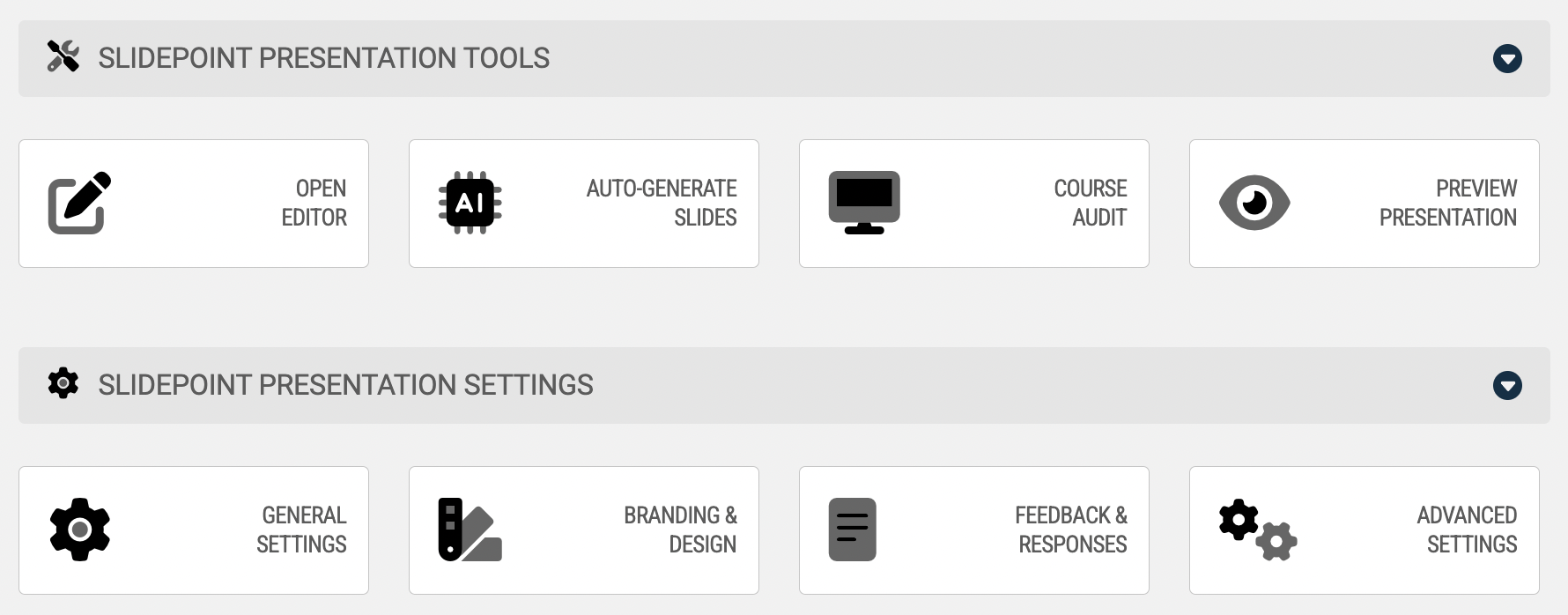
The following items are available in the Branding & Design panel:
Window Size — The height and width of the popup window that is opened when the user launches the presentation.
Extra CSS — Allows you to specify additional CSS definitions to change certain aspects of the Skin/Layout used by a learning object. Each placeholder below this section represents a CSS class used by the layout. To see a tooltip denoting what each placeholder represents, hover your mouse over the placeholder.
Skin/Layout — lets you assign a visual theme to the learning object (pick from the various available skins). You can create your own skins using the Change Skin > Create a Skin function inside the SlidePoint Editor.