Using Webhooks in Axis LMS
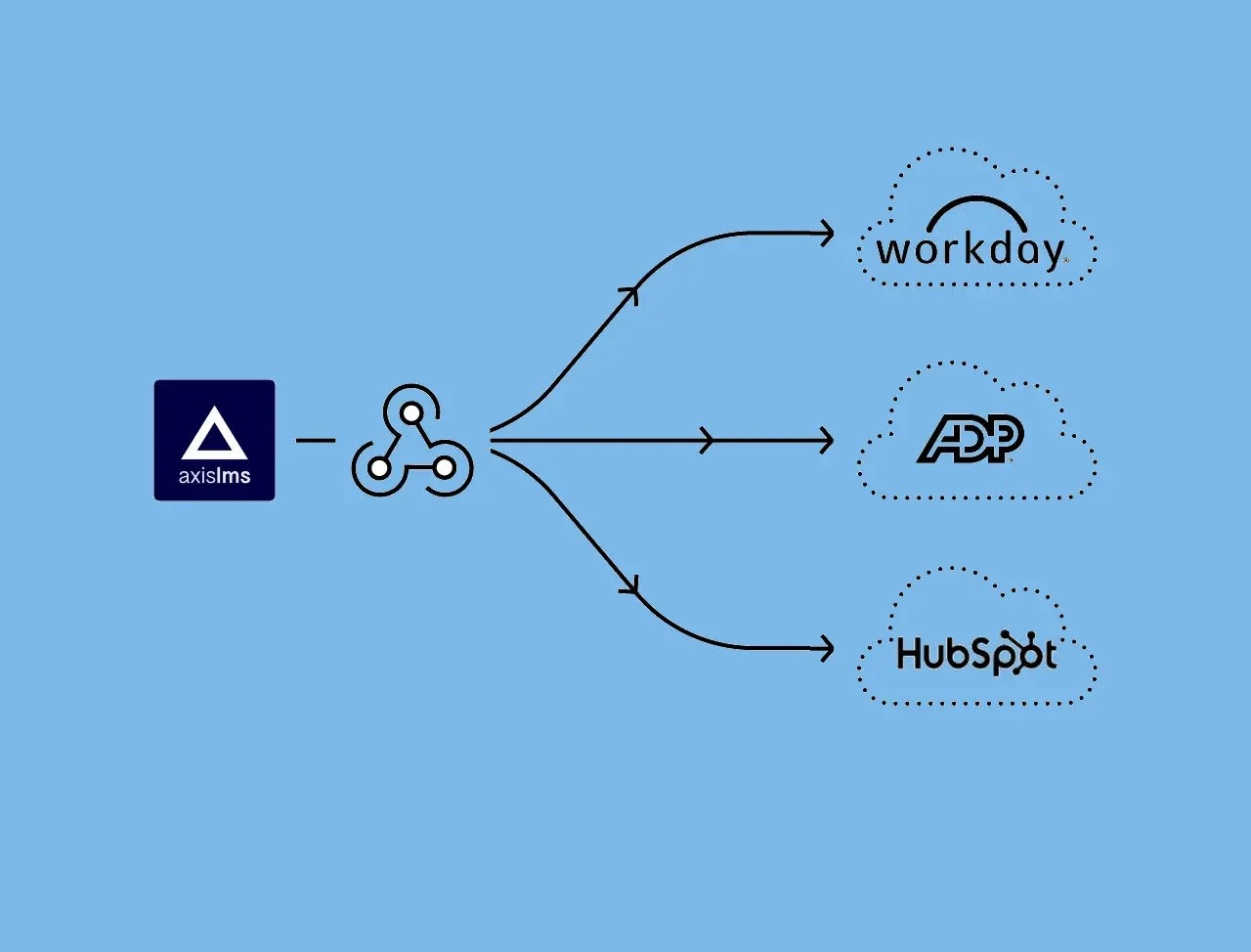
Webhooks are used to deliver information and data to another system when an event occurs on Axis LMS - specifically, when a user is added to the LMS or completes something in the LMS.
By taking advantage of these, you can utilize custom scripts to read the data from these events, and process it however needed; be it updating a record in an HR system, or sending off an email.
In addition to a dedicated Webhooks toolset, Webhooks are also integrated into several specific training areas in Axis LMS: Online Courses, Certification Programs, Instructor Led Training, and Learning Paths.
Webhooks
System > Integrations > Webhooks
This Webhooks area is used to set up security for your webhooks, test the responses, and to set up global event actions. While individual Webhooks can be applied to specific training and other actions, Webhooks can be set up in this area to apply globally based on the action you specify (for example - when a user completes 'a course' vs 'this specific course').
This area is divided into a few different sections, but the bulk of your set up will be done through the "Webhook Settings". Here, you can dictate what type of action needs to be performed in the system to trigger your external event. This includes ...
- Starting and Completing any training type (Course, ILT, Learning Path)
- Certifying and recertifying a CEU Program
- Adding a user in to your system (in several different ways)
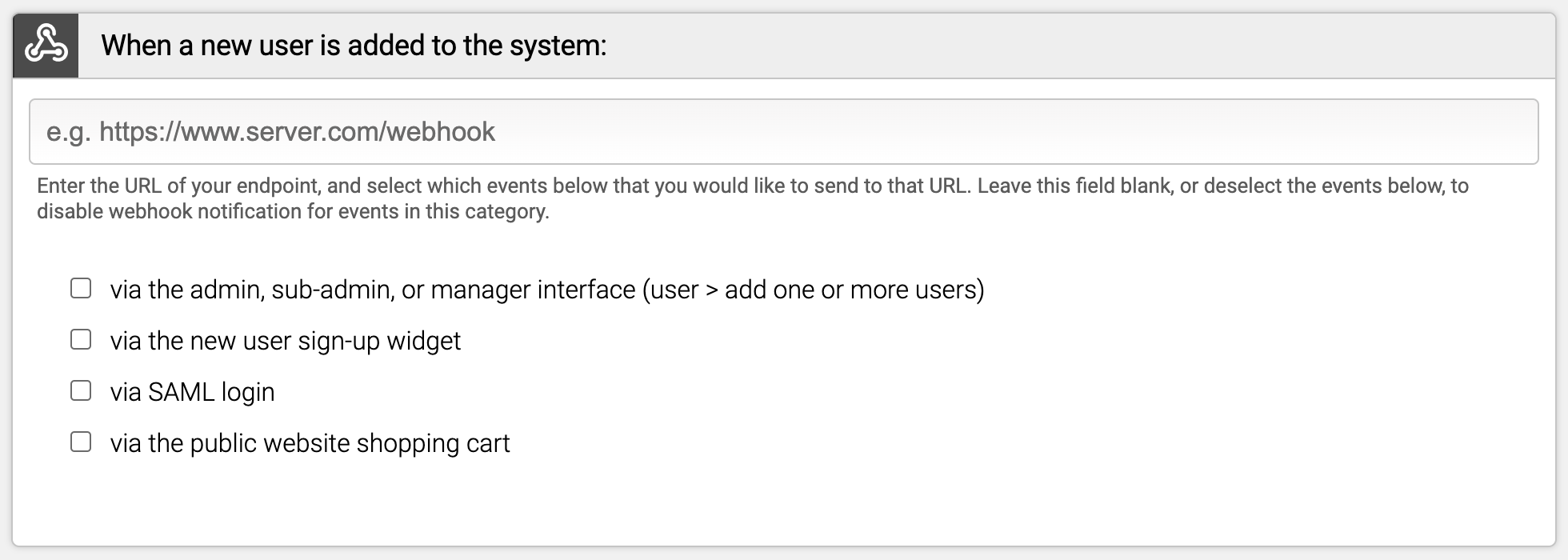
When this action occurs in the system, the LMS with notify the URL you enter in for that event type.
But before committing to these Webhooks, it's advised to first confirm the authentication was successful (with your Authentication secret), test individual links (through your Webhook Testing area), and keep a close eye on your Webhook Logs for a short while after your successful implementation.
Online Courses
Learning > Online Courses > Manage > select your Course > General Settings
An important note regarding Online Course's Webhook is that the Webhook is NOT looking at if a user passed or failed. Once the user is marked as complete, the Webhook will fire.
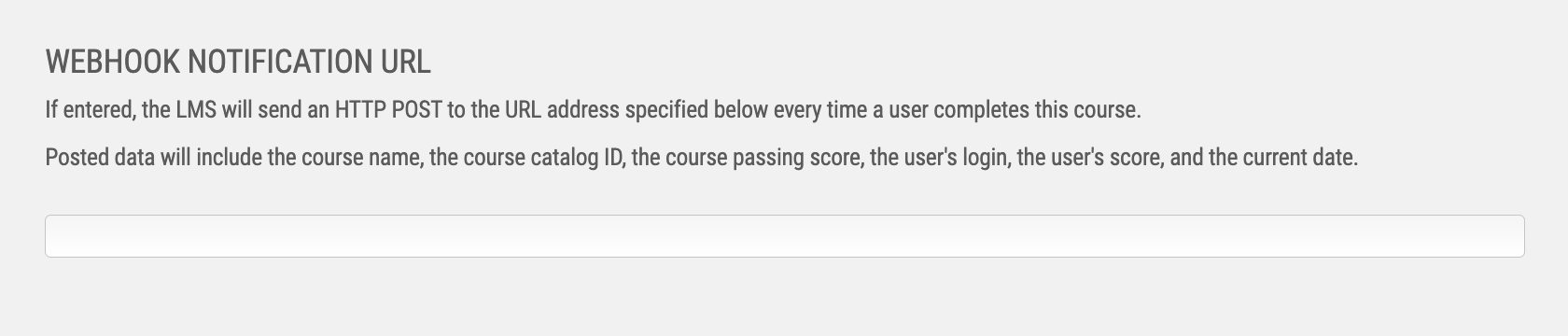
When an Online Course's Webhook is triggered, the following information will be sent to the notified address: course name, course catalog ID, course passing score, username, user's score, and the current date.
By writing a script capable of processing this information, it's possible to externally compare the user's score to determine their pass/fail status; it's also possible to compare them to the average score for users who have completed the training in the past, helping figure out where this user sits relative to everyone else.
Instructor Led Training
Learning > Instructor Led Training > Training Programs > Manage > Completion and Certificate
ILT Webhooks are fired based on the Completion Requirements, set at the top of the Completion and Certificate page.
When the ILT Webhook is triggered, the following information will be sent to the notified address: ILT program name, session name, session start/end date, username, percentage of meetings the user attended, and the current date.

By writing a script to process this information, and depending on your completion requirements, an external application can identify how many meeting a user has attended, and how that stacks up against the user's peers for that Session.
Certifications Programs
Talent > Certifications & CEUs > Certification Programs > Manage > Advanced Settings
Certification Program Webhooks are triggered when a user has Certified or Recertified in the Certification Program.
When the Certification Webhook is triggered, the following information will be sent to the notified address: certification program name, program id, username, user's certification number, user's certification issue data, user's certification renewal window start date, user's certification expiration date (all in YYYYMMDD format), and if this was a certification or a recertification.

By integrating into an external application via a custom script, this data is perfect for being able to validate a user's certification status; when they were certified, when it expires, and when they are eligible to start their re-certification.
Learning Paths
Learning > Learning Paths > Manage Learning Paths > Manage > Completion and Certificate
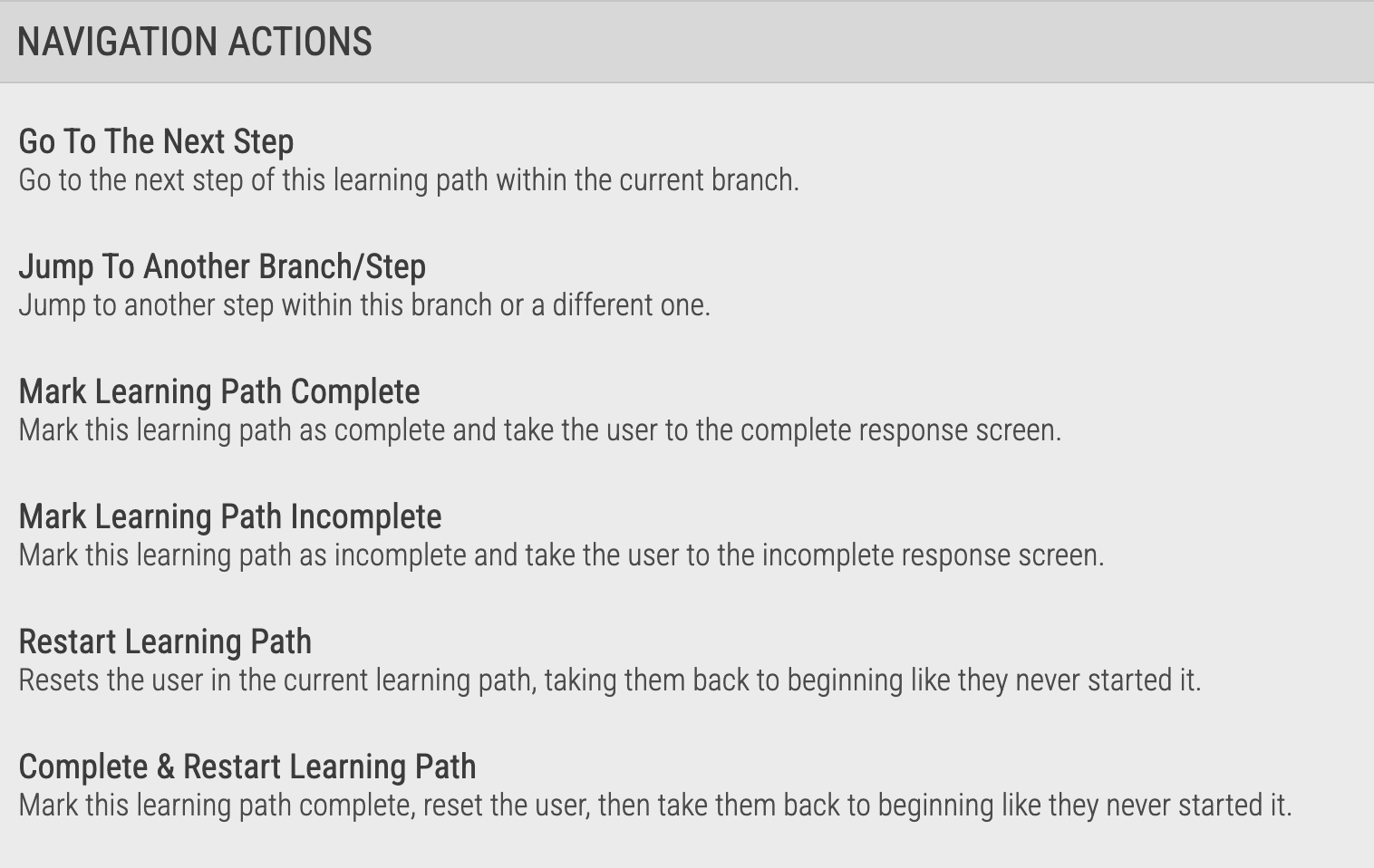
A Learning Path's Webhooks are triggered when the Navigation Action "Mark Learning Path Complete" is triggered. Because of the non-linear capabilities of Learning Paths, this could be triggered several different ways in the same Learning Path based on the way the path is constructed.
When a Learning Path's Webhook is triggered, the following information will be posted to the notification URL: learning path name, user's enrollment date, username, and the current date.
With this information, a custom script could process how long a user spent inside of the named Learning Path, which -- depending on the way the path was constructed -- could logically deduce which conclusion to the Learning Path the user ultimately reached (assuming the Learning Path was constructed non-linearly, and multiple endings were possible).